Previous Project –
Columns
The #1 customer requested feature
Columns
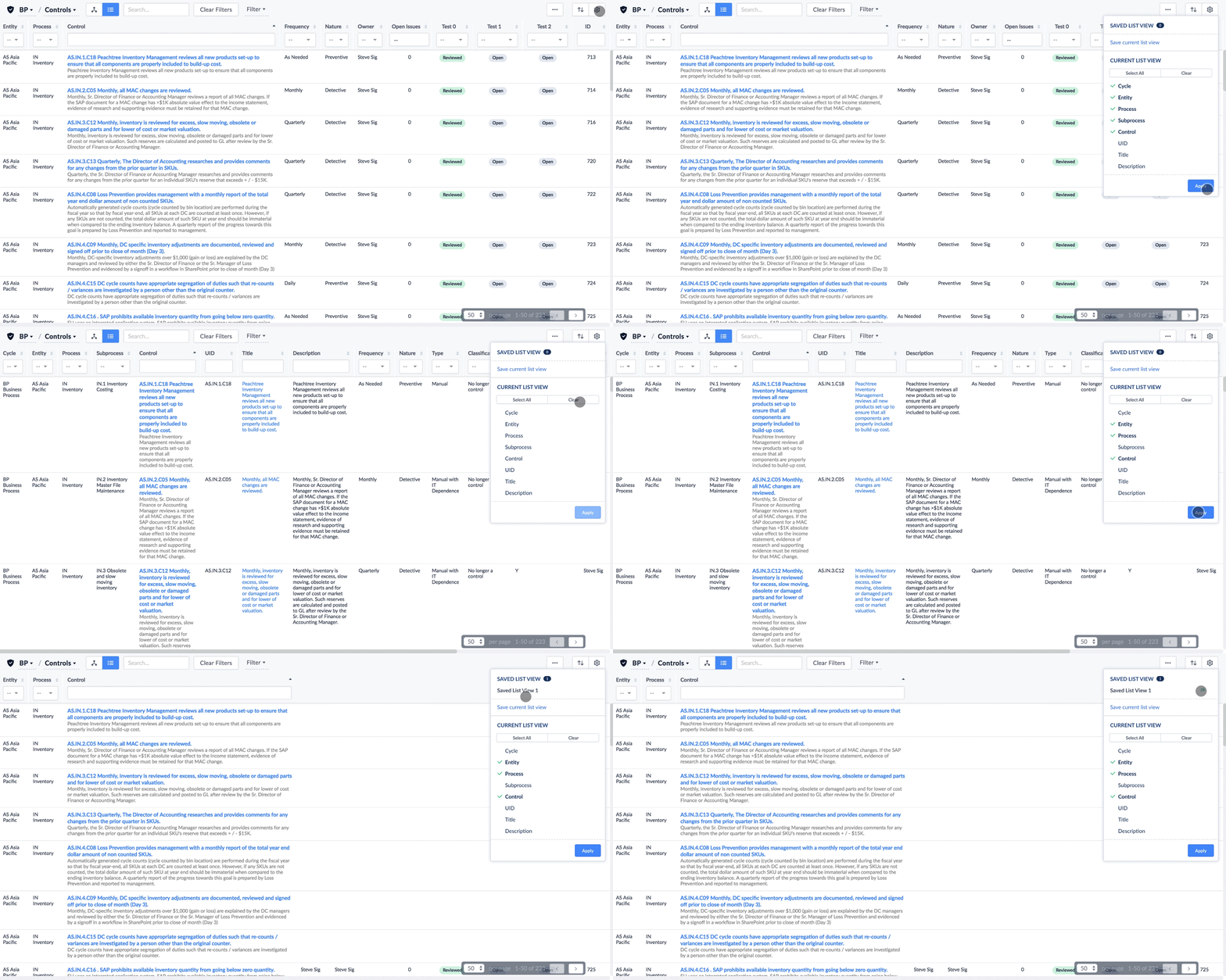
One of the most requested product features is the ability to reorder and resize columns on our datatables. Users have the ability to show and hide columns, but lacks the ability to reorder and resize columns for the user's optimized view.
Understanding & Research
The biggest technical restraint is our datatables do not have the capability to drag or resize columns because of all the linked data and editing features our datatables contain. That would mean the user experience would involve extra steps in order for the user to complete their goal.
I worked very closely with my CTO because datatables are the most integral part of our product. Since my CTO knows the overall structure of the datatables, he provided me with possible solutions that would make column reordering and resizing work:
Solutions
Column Resizing
Set a minimum and maximum widths for each column so we can set parameters when columns are shown or hidden.
Column reordering
Create a modal where users can reorder columns on the modal, and when they close the modal or click a button the page refreshes to the new column layout.
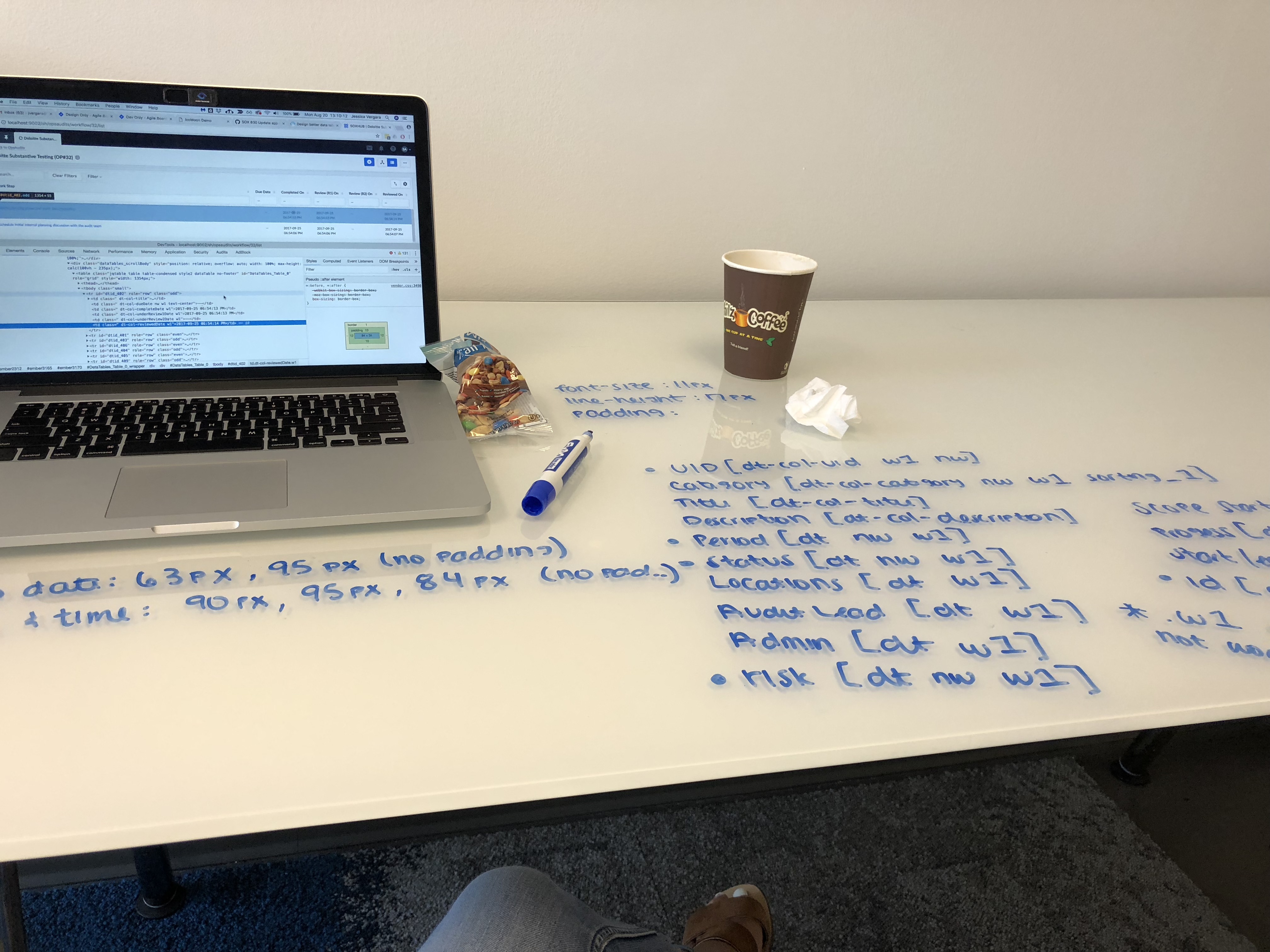
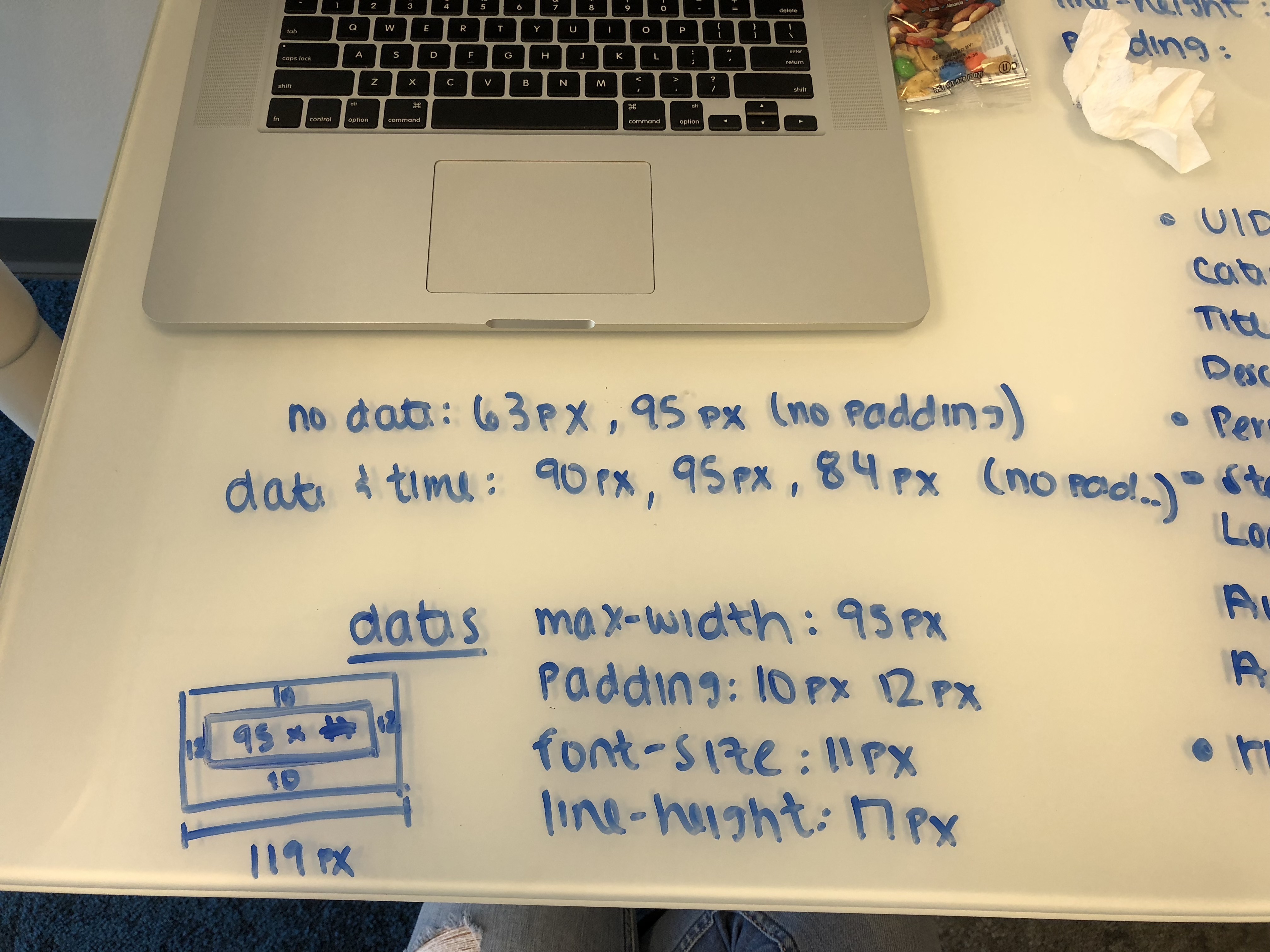
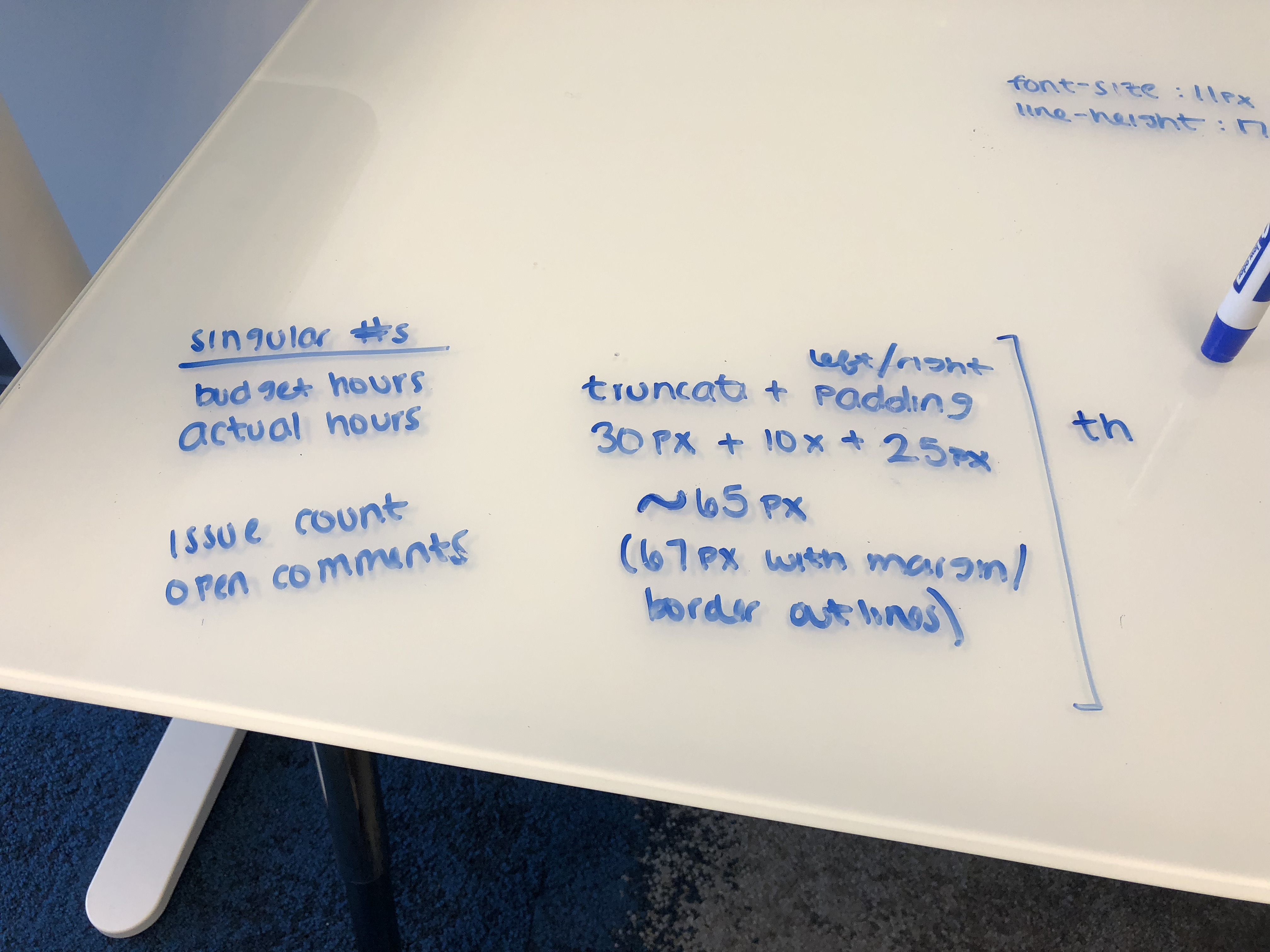
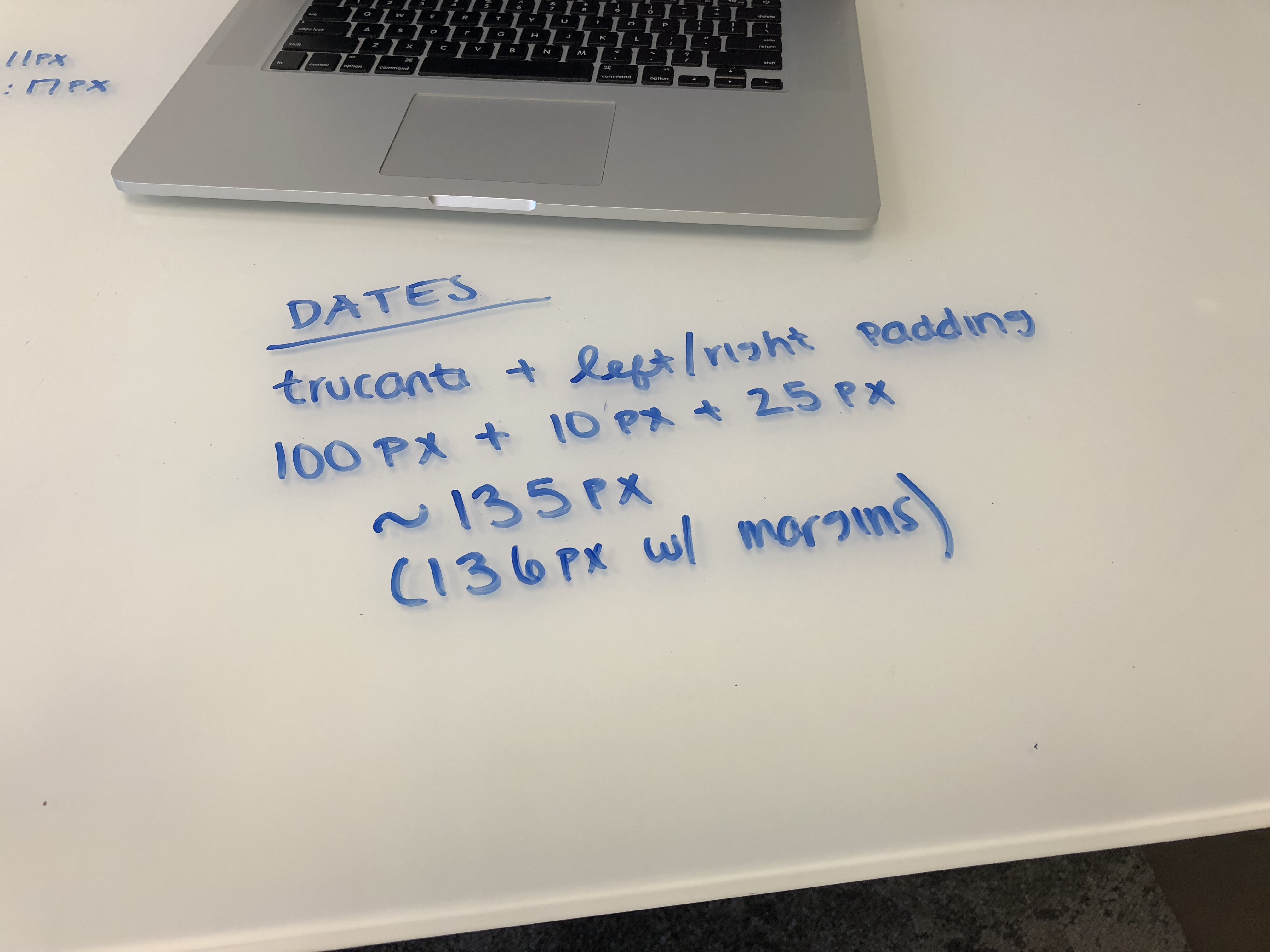
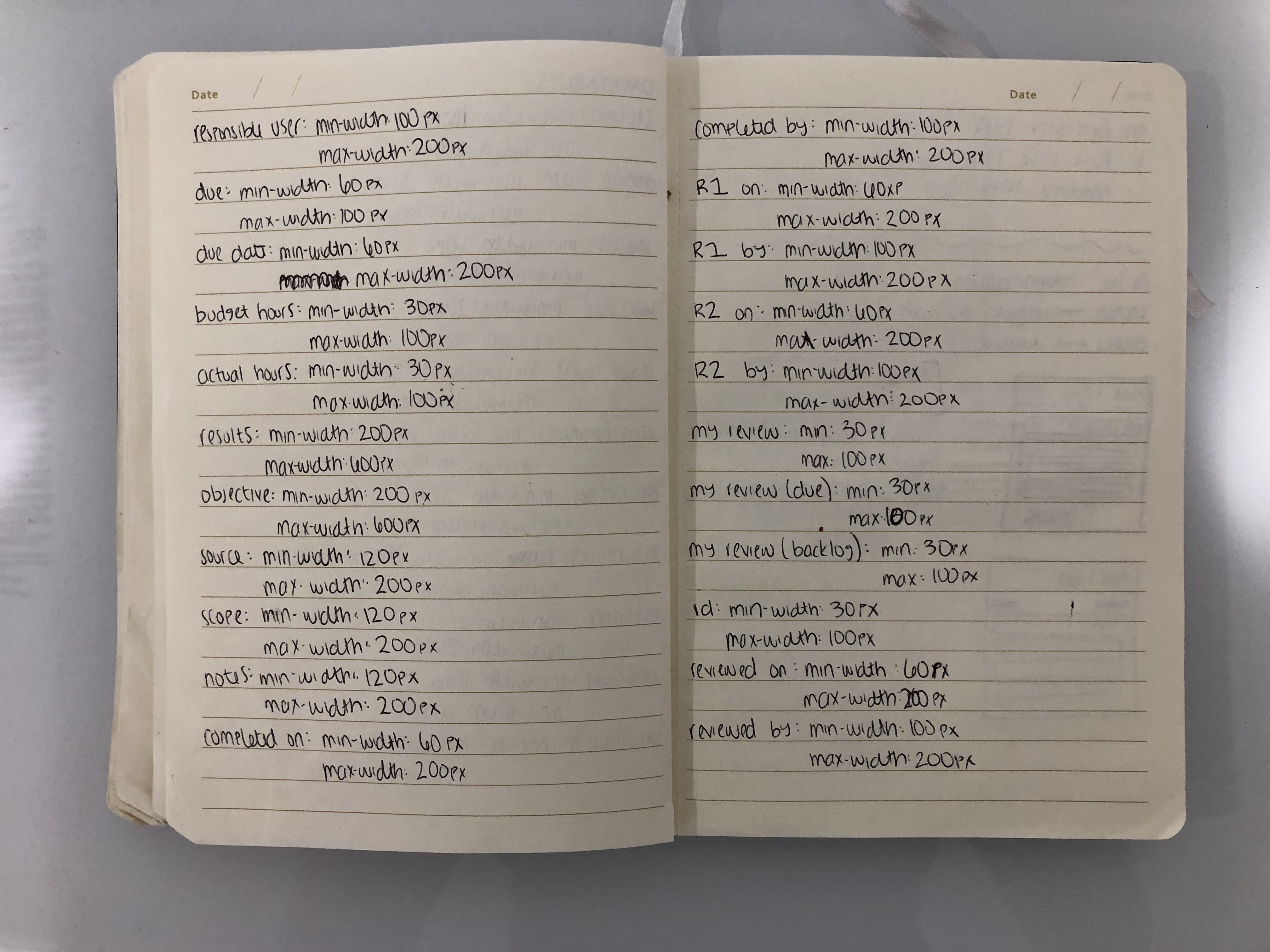
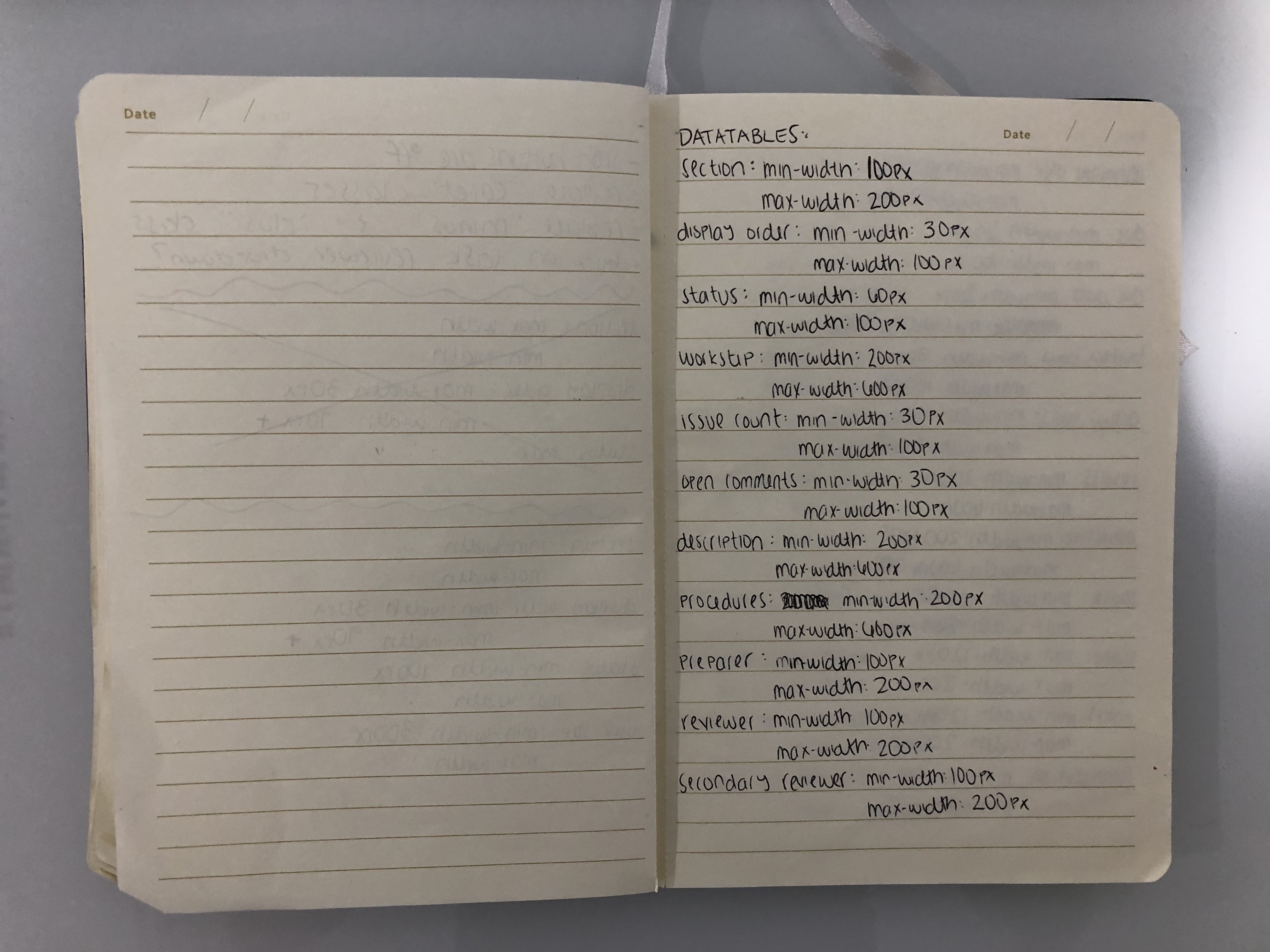
This part mainly involved a lot of math, Philz Coffee, and trail mix.
The first part was figuring out minimum and maximum column width for the datatables. I wanted to limit number of column widths for consistency throuhgout the app, so I extracted all types of datatable columns we had and grouped types of columns to have the same width.
Once I standardized the minimum and maximum width of the columns, I started my user research by exploring other ways of column reordering without dragging individual columns, but there were not a lot of options. Our users are advanced in Excel which incorporates dragging for their columns. Other enterprise software have users see a list of columns to add or remove and then allow them to drag within that list using an up or down key, but that is not the best user experience.
MVP & AC
- Add/show/enable and remove/hide/disable columns from view
- Save current views and name them
- Search funtionality
- A button to add/show/enable or remove/hide/disable all columns
- And, of course, the ability to reorder columns
As a starting point, I wireframed 5 different types of column reordering modals to test out what type of experience the user prefers. The experience was going to be different, so it needed to be a method that was comfortble and easy for the user to understand.
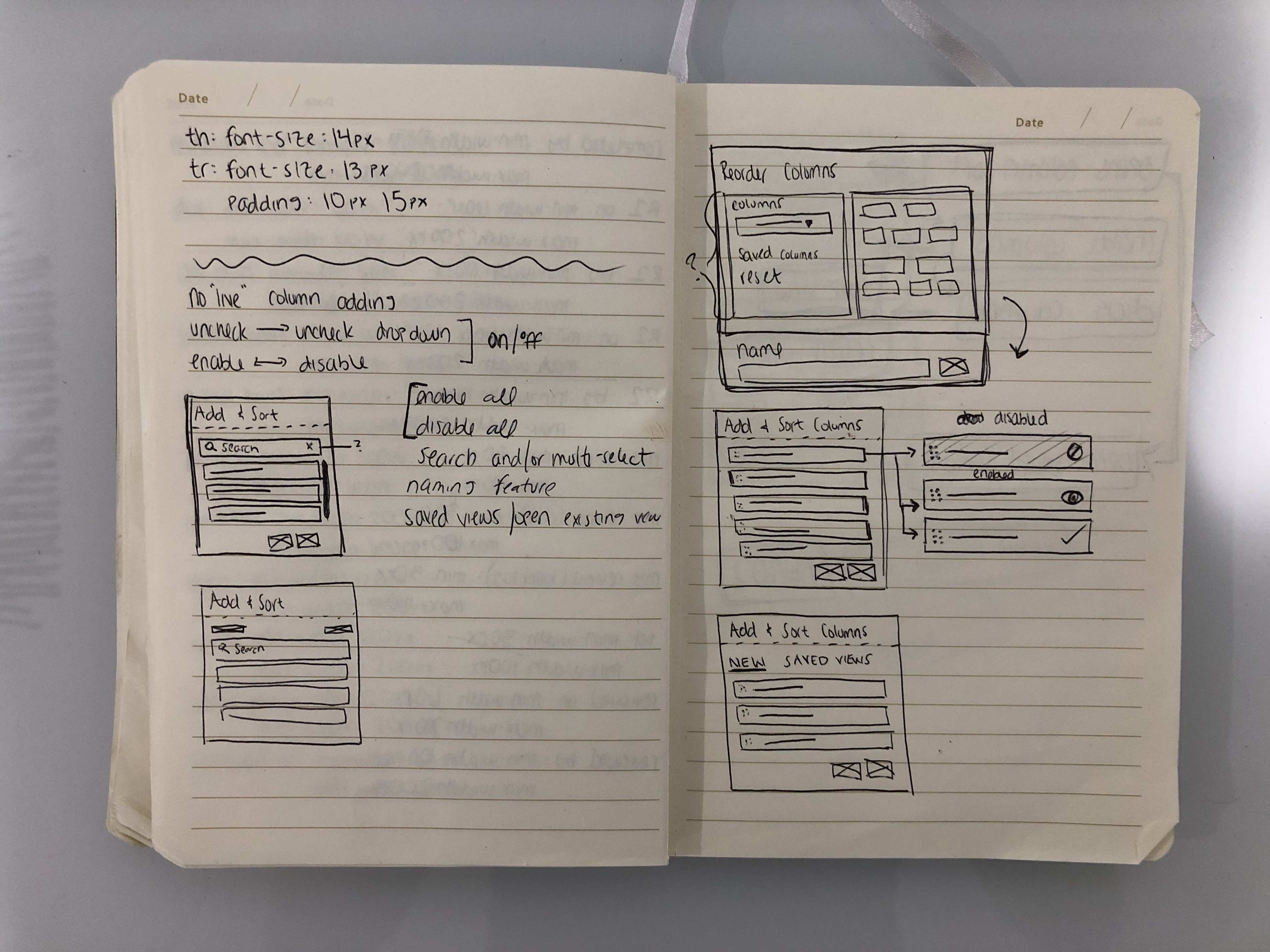
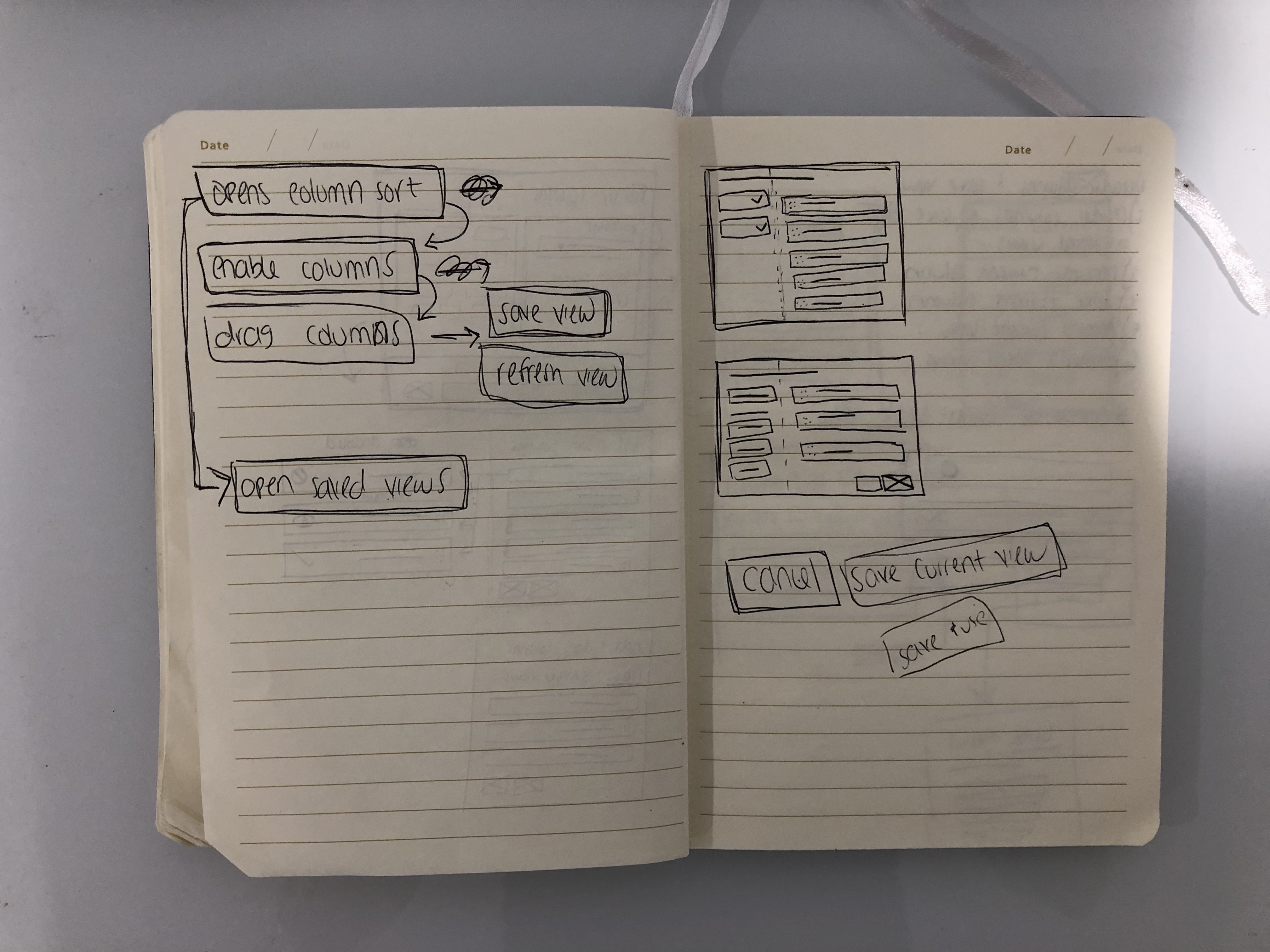
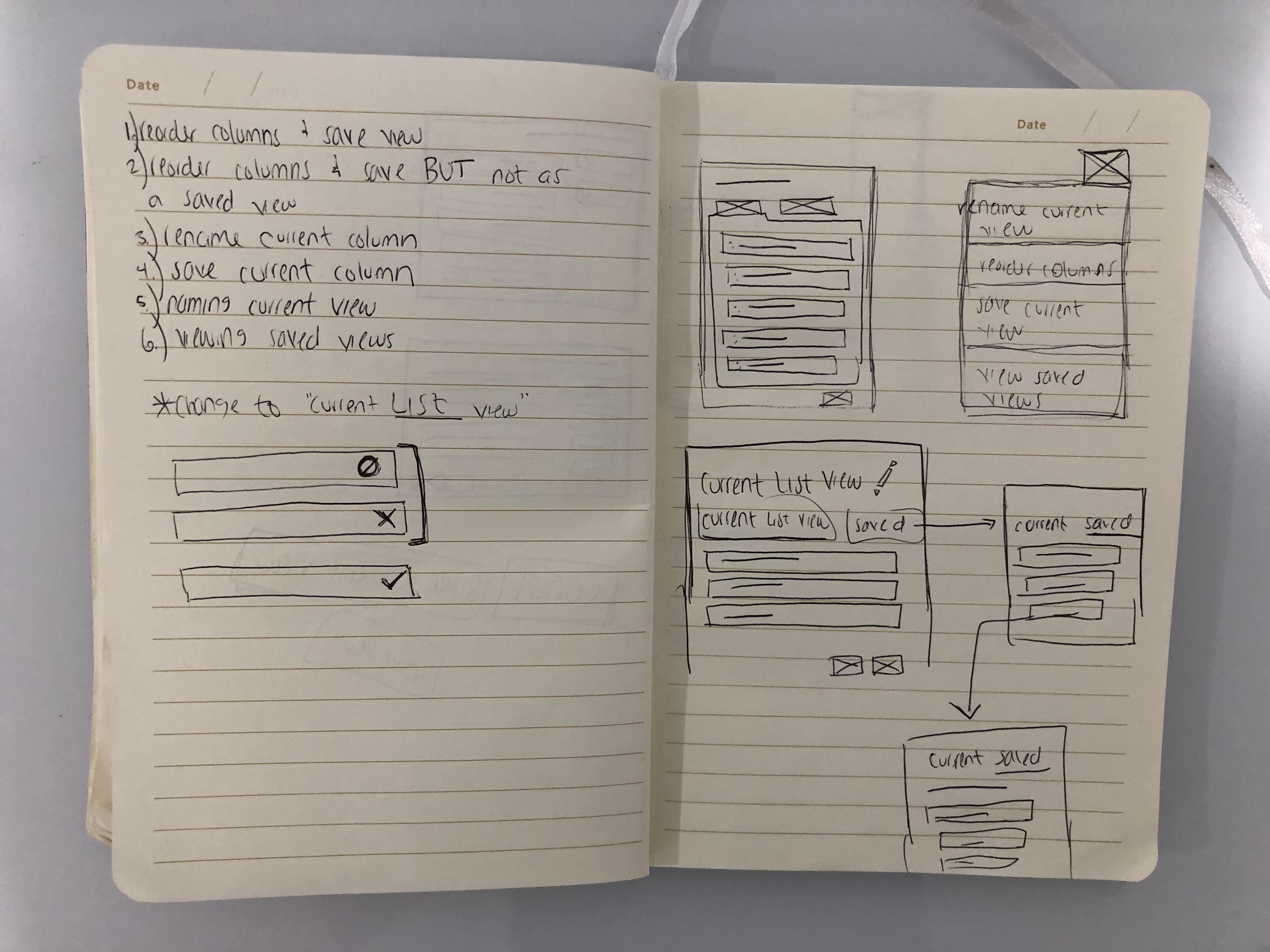
I conducted A/B user testing where I asked users a typical column reordering narrative. I recorded their mouse movements and clicks as well as recorded their interaction. Afterwards, I asked the users which experience they preferred, but they were all split. The results from the user testing conveyed that neither of the modals were the best possible solution.
I confided with my CEO and asked for him to test out my prototypes. Overall, he liked him, but believed the modals were too overwhelming. He appreciated all the features the modal provided, but thought users would be confused with all these functionalities. He wanted me to keep it simple and guide them to a critical path. A suggestion was to use our current column dropdown and add options (reorder columns, save view, rename view, delete view) to guide users to their desired path.
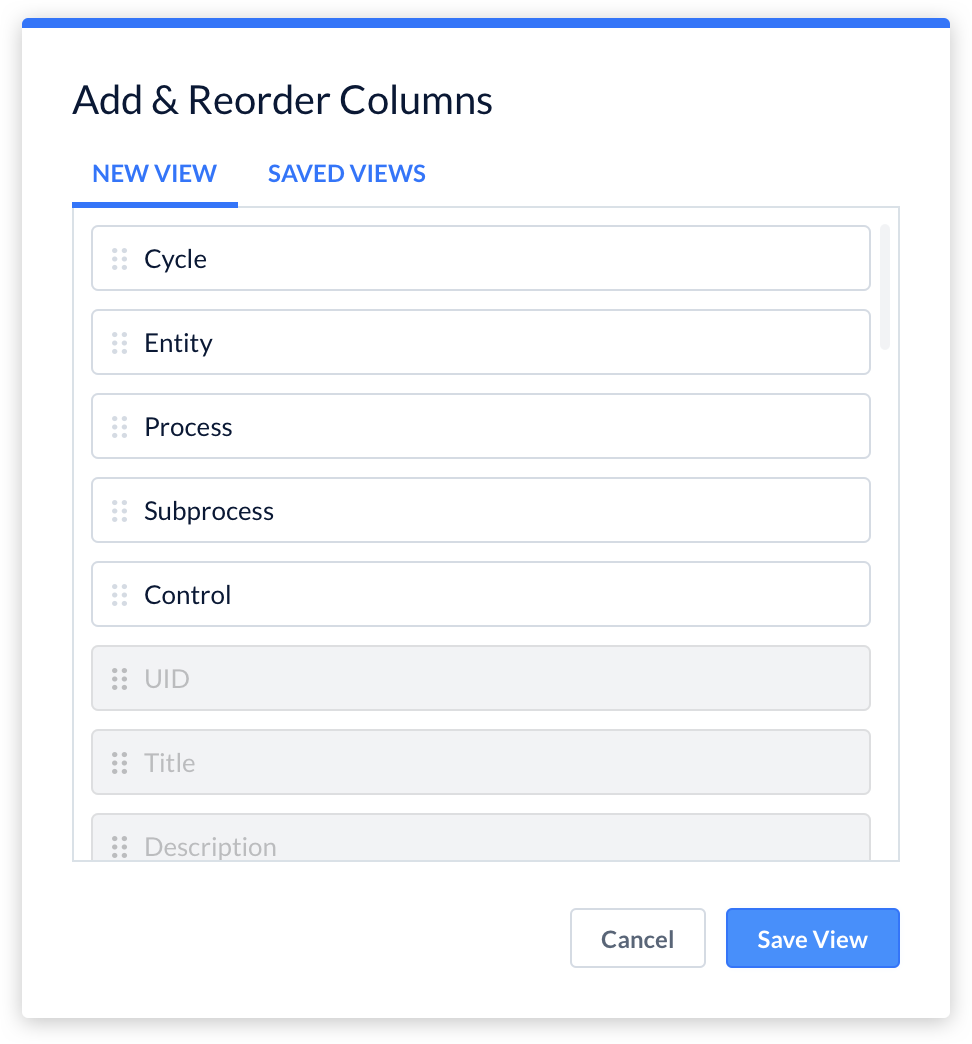
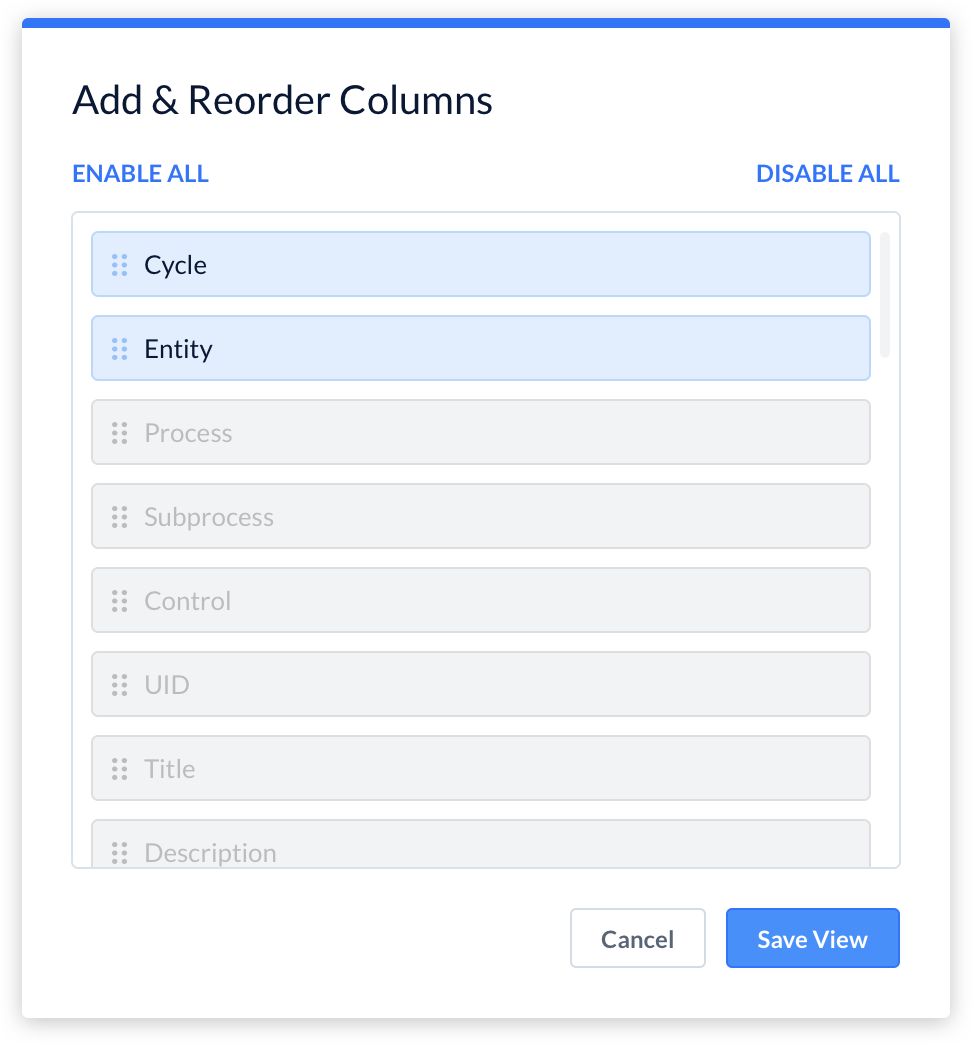
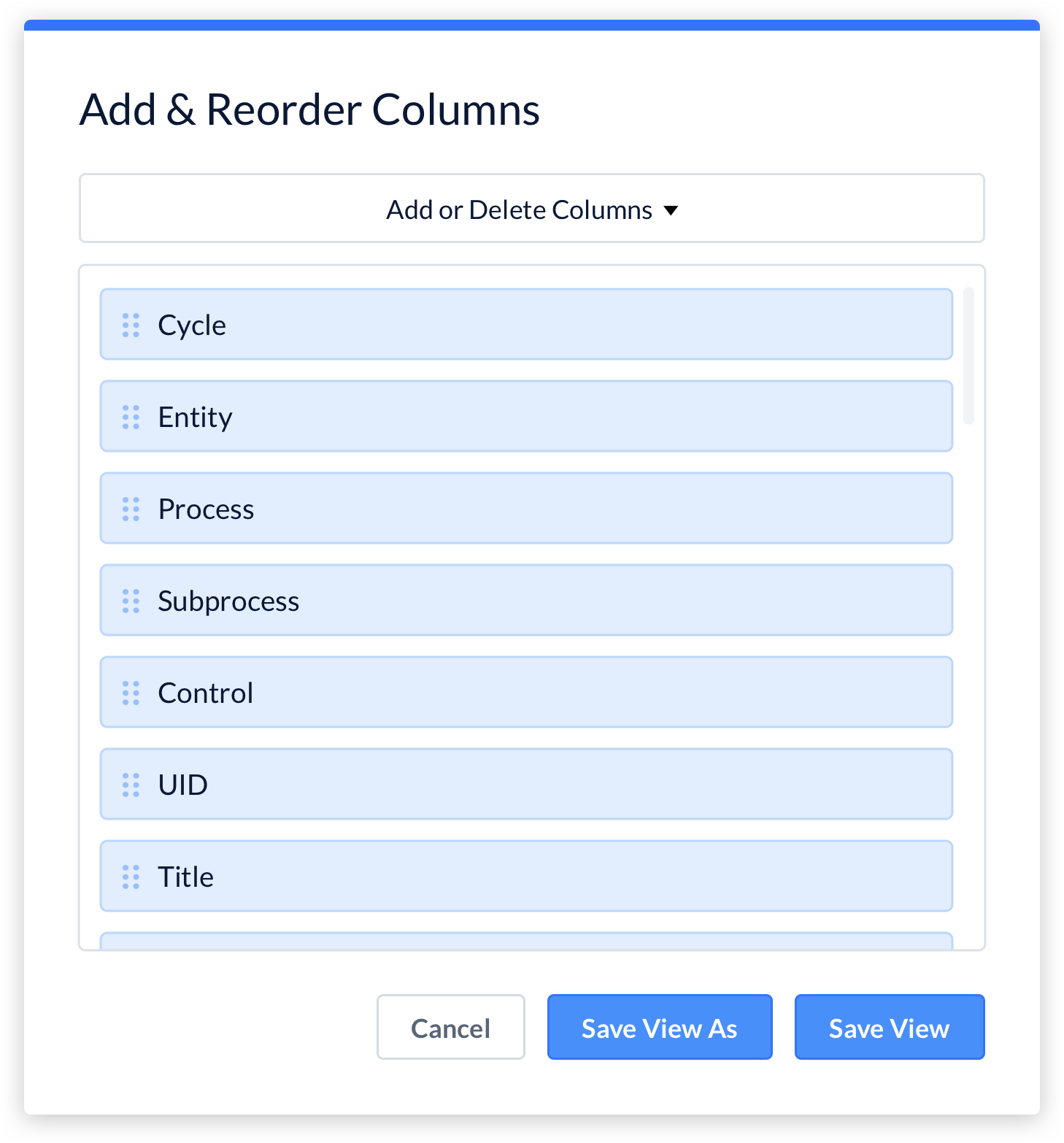
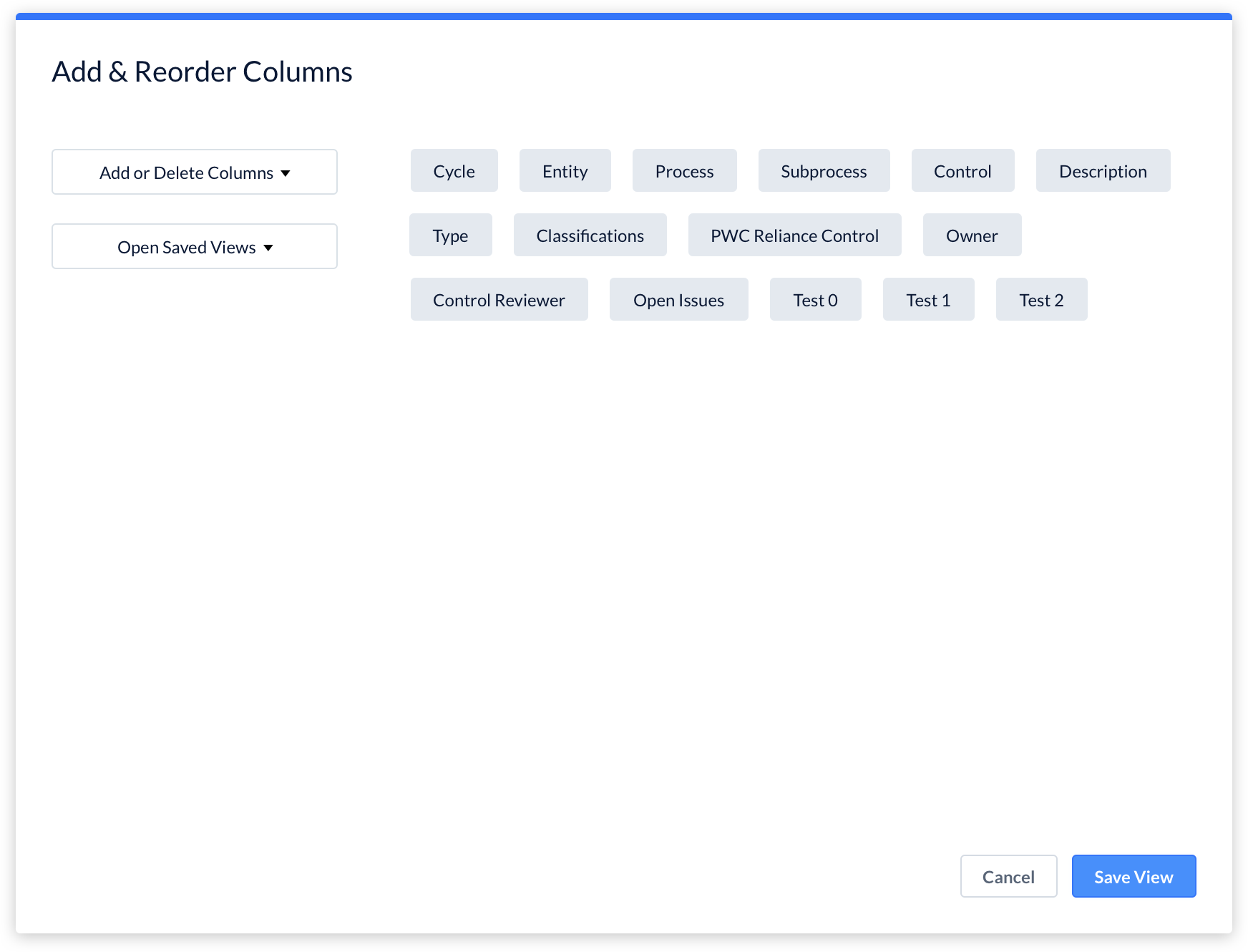
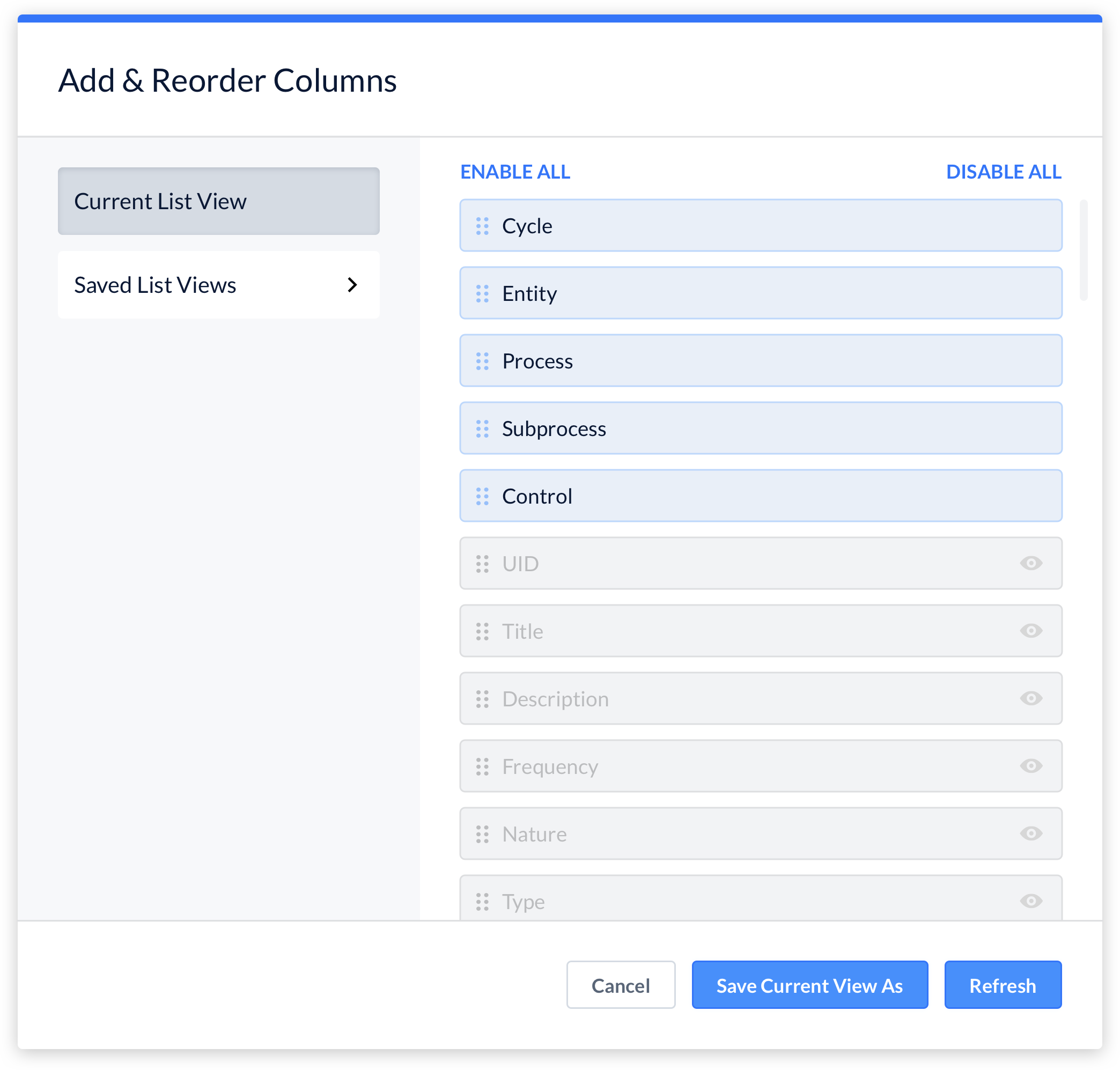
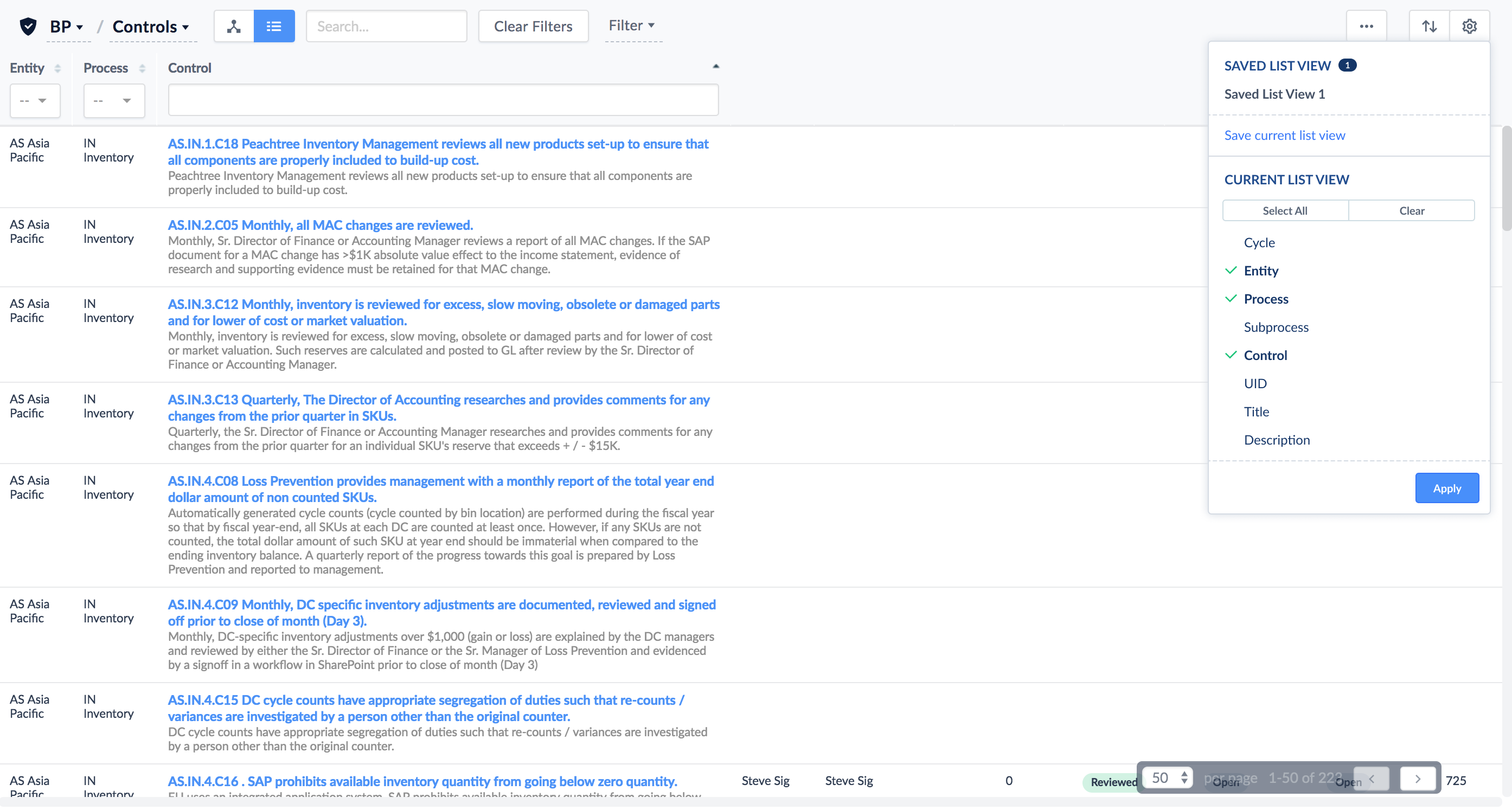
I looked at the current design of our dropdown and decided to incorporate column reordering into our current column view. Our current column views had the saved list view and the ability to add and remove columns, but the only thing missing was column reordering. I redesigned the spacing to incorporate the dragging feature. I added a button to refreshes the page after changing column view. I played around with the "select all" and "none" buttons.
After I quickly designed the prototype, I ran more user tests and everyone preferred dropdown over the modal. Incorporating column reordering to our current design allowed users to have the same experience but with the extra features. User feedback was positive and all users understood the user flow. My CTO built the back-end code and then handed it to me to finish the front-end code.